
My first ever attempt at a 3D animation using Blender came out pretty well. I decided I wanted to do a simple still life, and wanted to explore the power of Blender’s recent integration with Yafray. I had tried my hand at a raytracing program for Mac at least a decade ago, and had always been fascinated by this particular juncture between art and technology.
Details of my adventure follow:
My first attempt at mesh modelling an apple, before I discovered Catmull-Clark subsurfs and smoothing, looked pretty bad:

But thanks to innumerable quality tutorials and the Blender 2.3 Guide, I soon got the hang of basic mesh modelling and lighting:
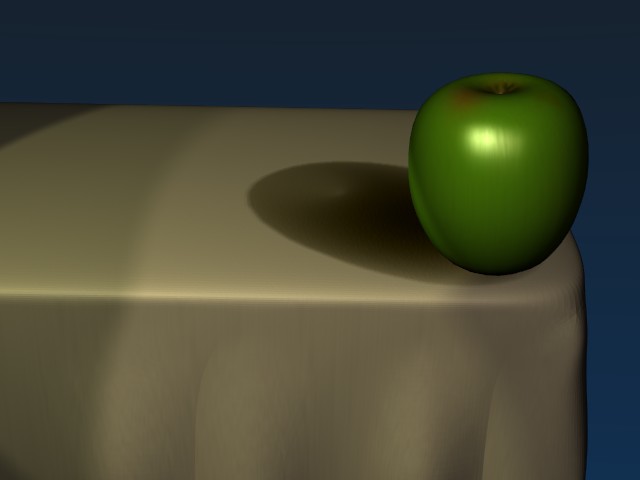
From here, I started exploring the possibilities of lighting effects, looking at nighttime lighting:
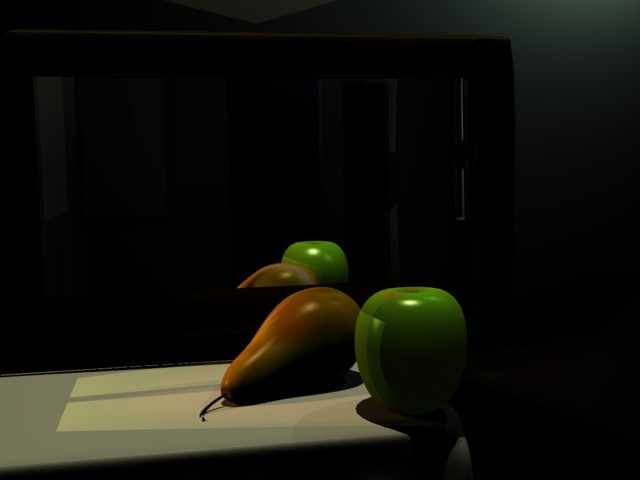
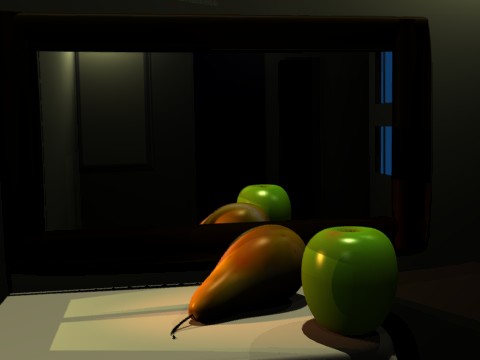
And daylight:
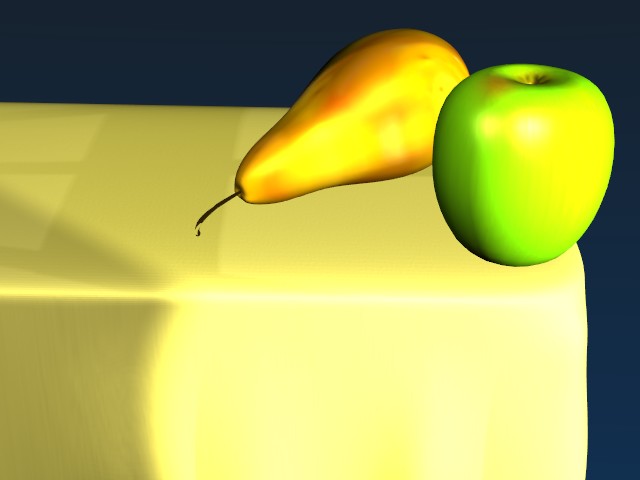
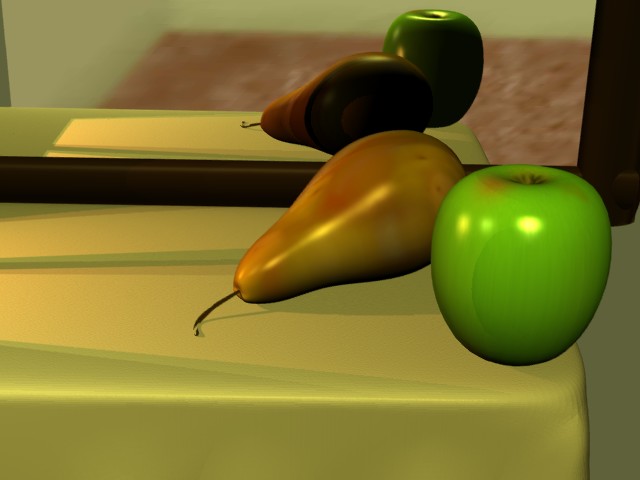
Finally settling on a kind of dawn/morning effect:
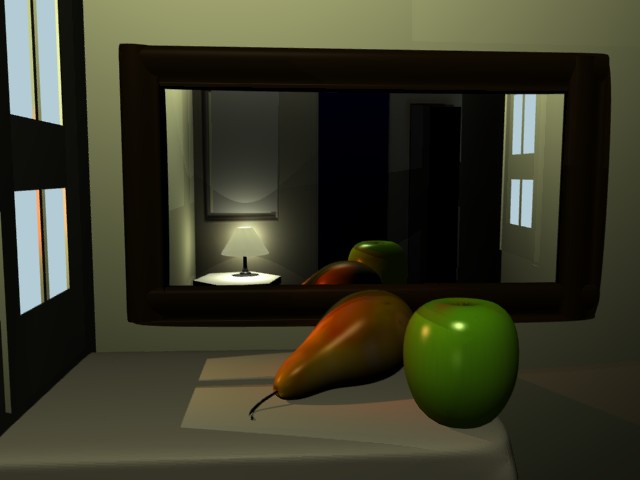
Next I modelled a lamp:
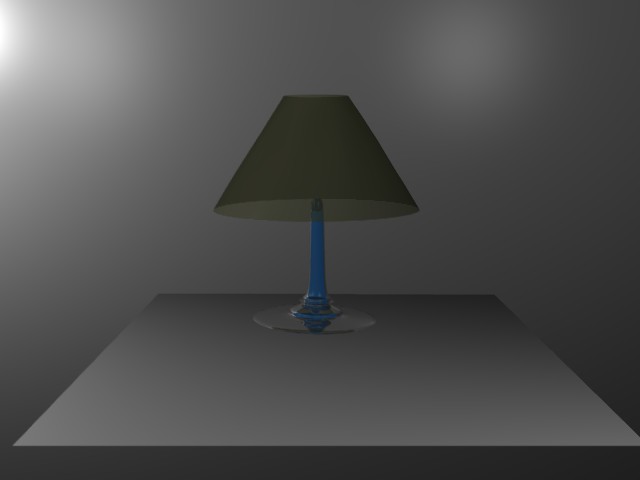
And played with lamp lights and spotlights as well as material translucency to acheive a more believable effect:
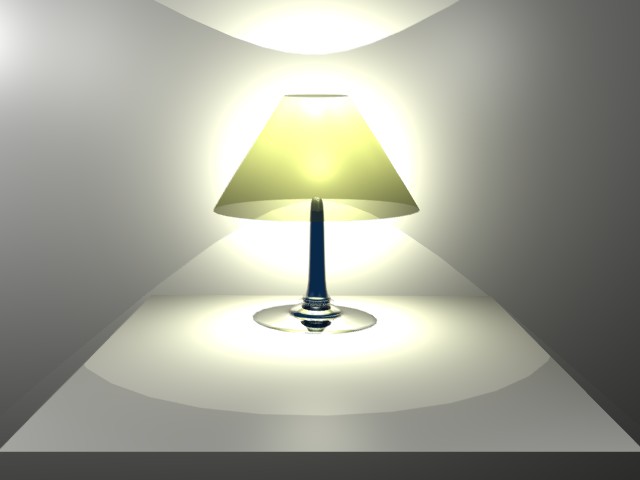
Finally, I added a variety of image maps to the various models in my scene to give them the illusion of realistic texture and color, including this page in the book:
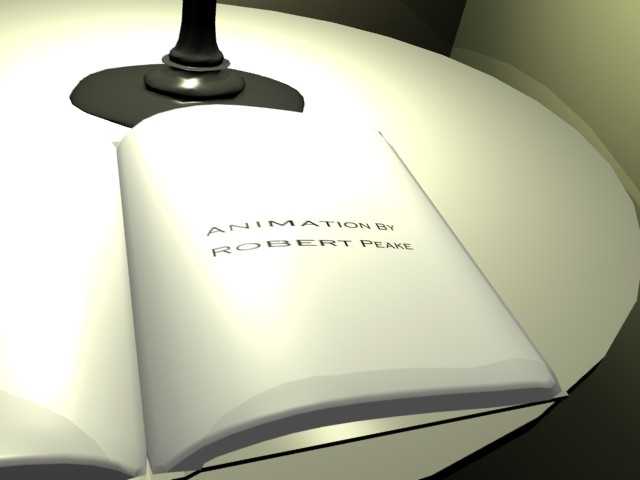
I rendered the animation in three segments totalling about 18 hours of render time on my Powerbook G4 with a 1.25GHz PowerPC processor. Only later did I discover I probably could have acheived a similar effect using the very fast internal Blender rendering engine using environment maps for the mirror effect. Still, the end result is a decent first attempt at a simple fly-through animation.
Technical note: I rendered the second and third phases long after the first phase, and somehow didn’t get the lights just right. So, rather than re-render the first 300 frames I decided to render the last 30 of those frames in that set, then use a “dissolve” effect in iMovie to seamlessly fade into the second half of the animation. Most people probably wouldn’t have noticed the lighting change at frame 301, as it’s fairly subtle, but I wanted to try my hand at a little post-processing, so I added fade-in and fade-out as well.