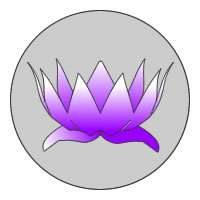
My sister asked me to design the logo for her website. Her vision: a woman in warrior pose holding a lotus in her upturned palm. My immediate thought: why not use Blender? After all, I had some success playing with existing logos earlier.
An enduring logo has to work in print, be quickly recognizable, and turn out well in just two colors. That means anything done in 3D must translate well to 2D. But because Blender is such a great tool with so many useful plug-ins, it acutally turned out to be an ideal starting point for this rather complex design.
The combination of MakeHuman and auto-rigging gave me the ability to fine-tune a female humanoid form to my (and Lisa’s) liking, then quickly rig it with an armature and pose it into exactly the right position. There’s a great white-paper on makehuman and autorigging here. Finally, rendering the female as shadeless white on a white background with the render trace setting gives the figure you see in the video above.
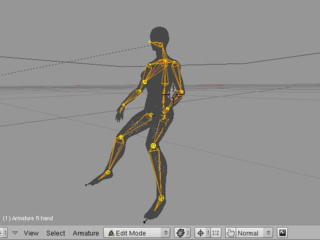
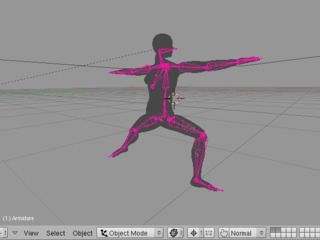
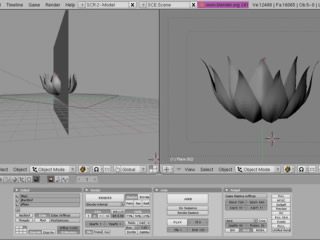
For the lotus, I simply modeled two types of petals and used SpinDup to create the inner and outer rings of petals. I found that seeing the back layer of petals made the object a bit too complex so I simply sliced it in half with a plane before rendering. Then I played with the angle and positioning to get a shot that looked good when rendered as shadeless white with a trace outline.
Finally, I took both stills into Freehand MX and used the autotool to convert them to vector curves. I added the bottom leaves of the lotus manually and continued to tweak and simplify the bezier curves to taste. The end result is an object I can fill with any color or gradient, scale up for print runs without pixilation, and composite against still images to create the website banner. There’s no doubt that the flexibility of a 3D object and the ability to reposition both poses and camera angles at will came in extremely handy in designing this 2D logo.